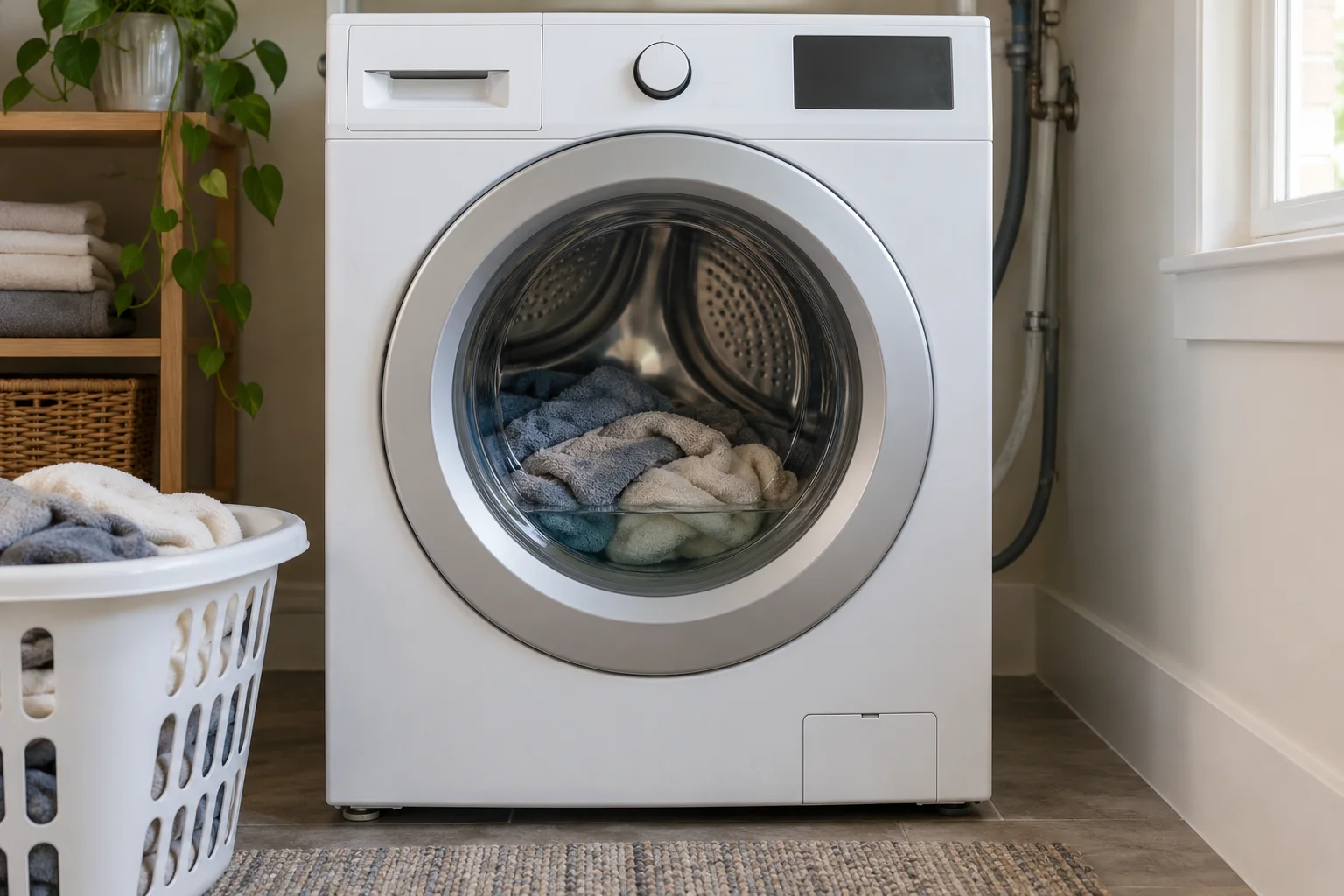
The cycle has stopped, but the clothes are still soaked. Before trying another cycle, check what you can see: is water still standing in the drum, or has the water drained while the laundry remains unusually wet? That distinction gives you a better starting point.
A washer that won't drain or spin can have a cycle-setting issue, an uneven load, a restricted drain path, or a fault that needs service. Wet clothes alone do not prove the drain pump has failed. Whirlpool's guides to a washer that will not drain and a washer that will not spin describe several different causes.
Is the washer holding water, or only leaving clothes wet?
Visible standing water points you toward the draining problem first. Record whether the washer stops before draining, displays a code, or appears to drain only partway. Many machines will not complete their intended spin when the water has not drained properly.
A drained drum with very wet clothes calls for a closer look at the spin stage. Check the selected spin setting and consider whether the load was bulky or uneven. Some models reduce or interrupt spinning under those conditions. Refer to the manual for your machine's behavior; do not assume that a slow spin means a broken motor.
For example, LG describes the OE code on applicable front-load washers as an inability to drain, with a kinked hose or clogged filter among the possible causes. It is not automatic proof that the pump needs replacement. See the manufacturer's OE explanation only if it applies to your model.
Safe checks before requesting washer repair
1. Check the cycle, spin setting, and displayed message
Look at the selected program and any spin option. A delicate cycle or low-spin setting may behave differently from the cycle you normally use. Record the exact error code before changing anything.
If your manual recommends a Drain & Spin program, follow its instructions only when the machine has no leak, burning smell, or abnormal noise. Do not repeatedly restart a washer that keeps stopping at the same point. Repeated attempts add little useful information once the symptom is clear.
2. Consider whether the load was uneven
A single heavy item or a group of bulky towels can leave the load uneven. If the cycle has stopped and the lid or door has unlocked normally, follow the manual's directions for adjusting the load. Do not force a locked door, reach into a moving drum, or open a front-load machine while it contains standing water.
If the issue happens mainly with a particular bulky item, include that detail in the service request. Whirlpool identifies uneven loads and overloading among the possible reasons a washer does not spin.
3. Review detergent type and amount
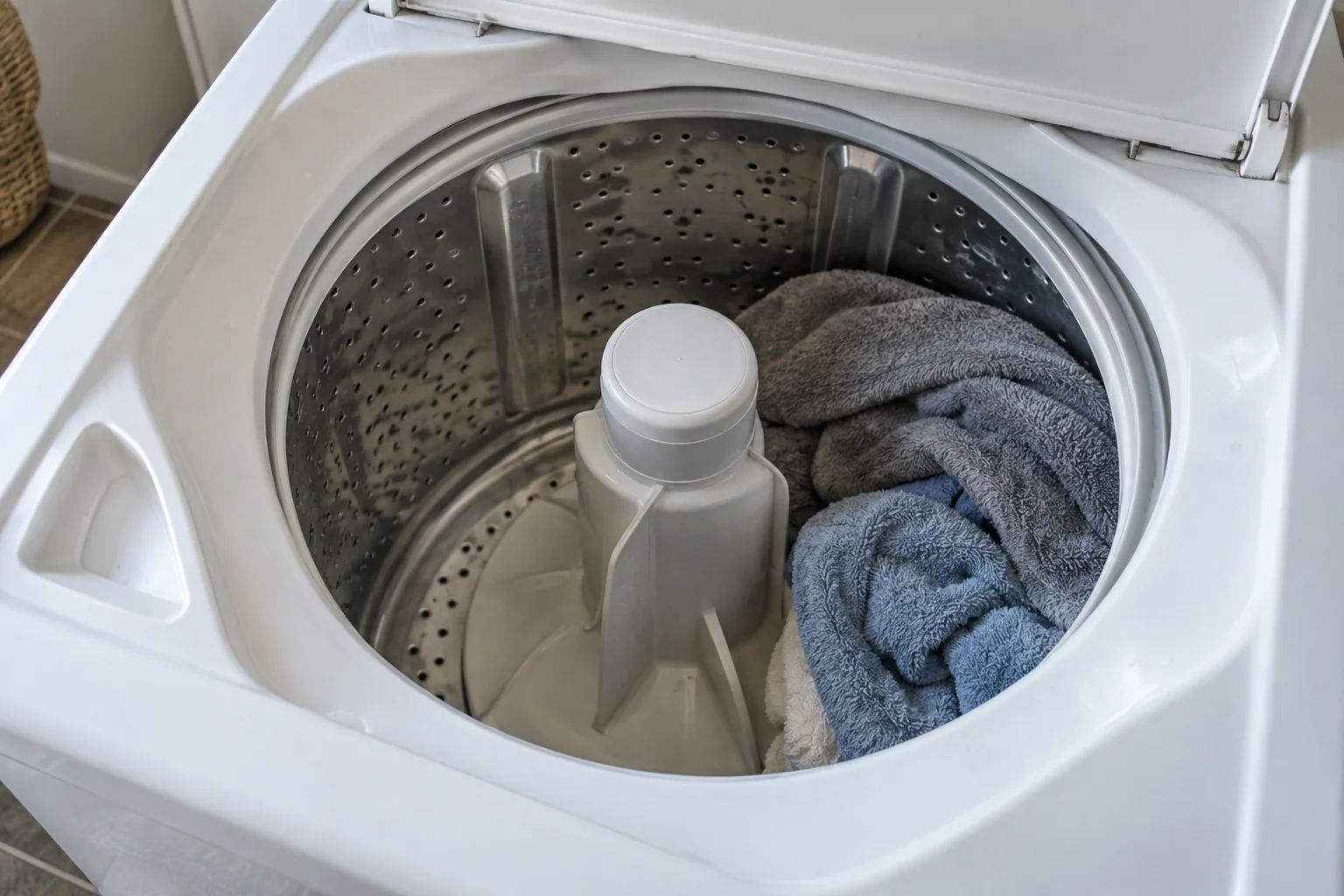
Use the detergent specified for your washer and measure it according to the product and appliance instructions. Excess suds can interfere with draining or spinning on some machines. Adding extra detergent will not correct a drainage problem. Whirlpool's draining guide includes oversudsing among the possible causes.
If residue on clothing is the main issue, our guide to white patches after washing explains the related detergent and rinse concerns.
4. Look for an accessible, visibly kinked drain hose
Without pulling out the washer or disconnecting plumbing, look at any drain hose section you can safely see. Note an obvious kink, crushing, or a recent change after installation. If the hose is hidden behind a heavy machine, leave access to the technician.
Drain hose placement and installation requirements vary by model. Use the installation instructions rather than a universal height or depth found online. If water backs up out of the household drain, report that separately; the building's drainage may also need attention.
5. Check whether your model has an owner-serviceable filter
Some washers have an accessible drain pump filter; others do not. A video showing another washer is not enough to establish that yours has the same part or procedure.
Read the manual before opening a filter access area. Follow all instructions about stopping the machine, disconnecting power, allowing hot water to cool, and containing residual water. LG's drainage guidance specifically cautions about hot water during filter cleaning. If the filter is inaccessible or you cannot safely manage the water, leave it for service. Never remove a hose or pump simply to empty the tub.
Need the correct instructions? Start with our guide to finding your appliance manual.
When should you stop troubleshooting?
Stop using the washer and request help if there is a leak, burning smell, electrical concern, severe banging, or a repeated failure to drain after the applicable owner checks. A lid or door that will not lock normally also needs attention; never bypass the lock.
A technician may need to investigate the drain pump, door or lid lock, controls, or another model-specific component. Describe what the machine does before asking for a particular replacement part. If water is near an outlet or electrical connection, keep clear of it rather than reaching through the water to unplug the appliance.
What to include in a washer repair request
The most useful description separates the symptom from the suspected cause. For example, a request could say: “The washer stops before the final spin, water remains in the drum, and the display shows this code.” Describe your own machine's behavior in the same concrete way.
Have the following details ready:
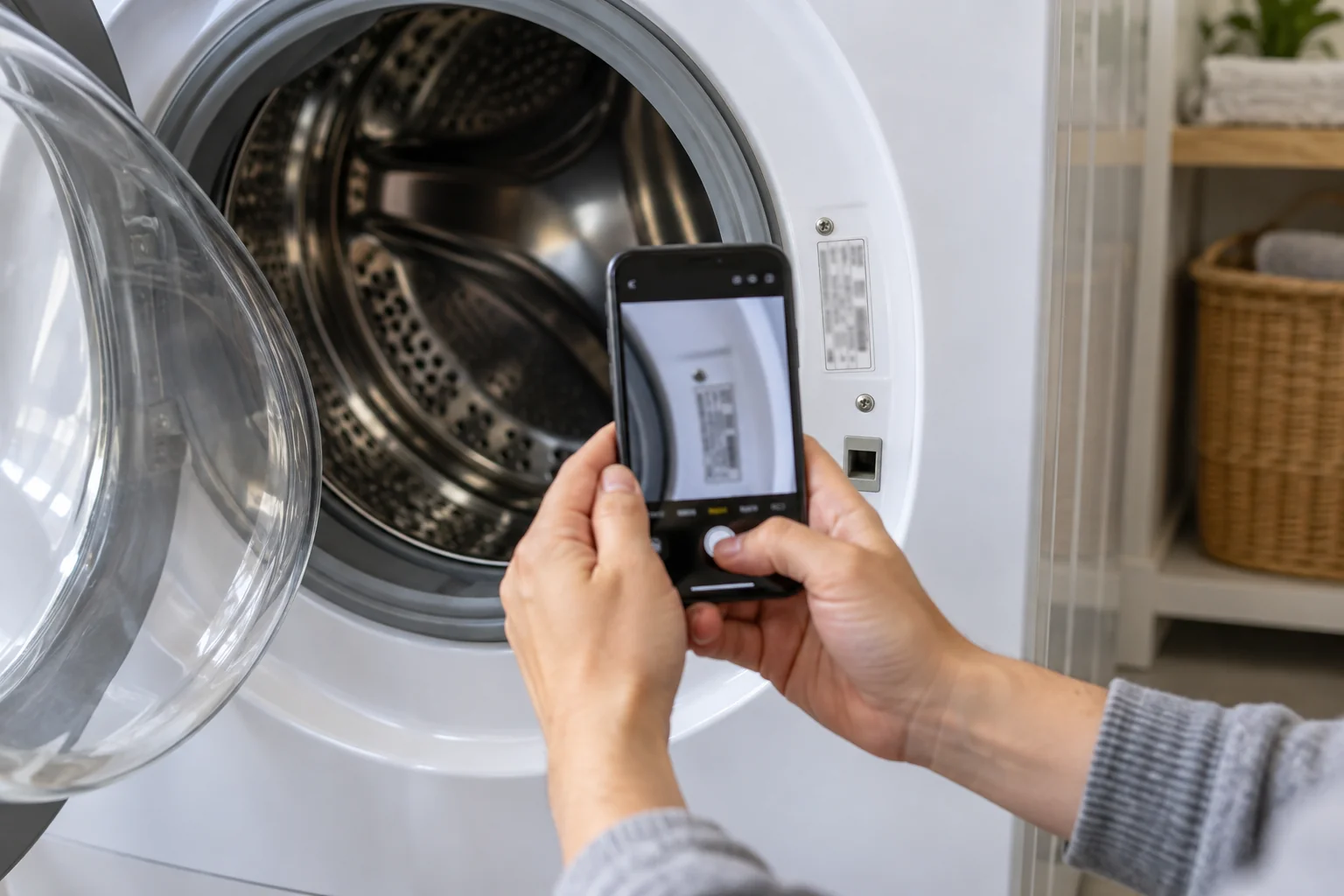
- Brand and model number from an accessible label.
- Whether standing water remains or only the clothes are wet.
- The exact error code and the point where the cycle stops.
- Whether it happens with every load or mainly with bulky items.
- Any leak, unusual sound, recent installation change, and checks already completed.
Washer repair in New York and Yonkers
Triple A Plaza is based in Yonkers and serves New York, with New Jersey coverage as well. If your washer won't drain or spin, include your location and the symptoms above when requesting service.
Visit our washer repair page, call (718) 560-3131, or send a service request. A clear description helps distinguish a drain problem from a spin problem before the appliance is inspected.
Need help with your appliance?
Our certified technicians serve homes and businesses across New York and New Jersey — one team for both states.